Useful Layers / Field guide
Which 3D printer accessories can wait?
Match accessories to organizers, practical parts, props and fine details. Check included equipment, compatible nozzles and what can wait before building a cart.
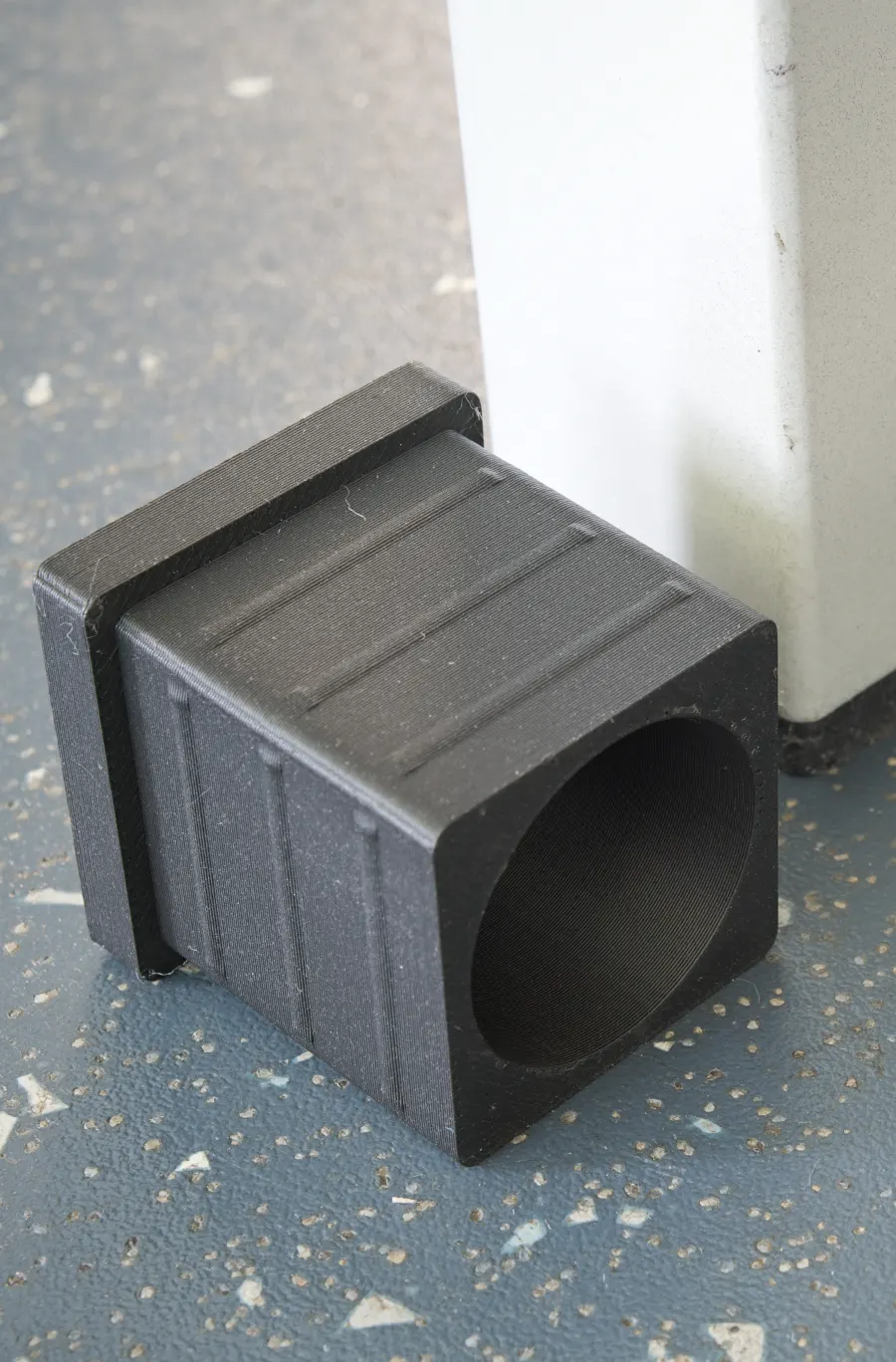

Start with what is in your exact box and what the first model needs. A second plate, color unit, dryer and bag of spare parts do not all belong in a beginner’s first order.
Method: Manufacturer box lists, setup instructions and plate guidance checked October 1, 2026. This guide covers A1 mini and P1S printer-only packages, plus the Enhanced Kobra S1 ACE 2 Pro Combo with the store’s “None” filament-bundle selection used in our starter setups. We have not tested these accessories or printed the models. Package contents can change; compare the delivered box with its current instructions.
Match the accessory to a job
Use the illustrated printer-choice guide to define your first project. This table is a planning aid, not a requirement to buy every item. Use suitable tools you already own and equipment supplied with the printer.
| Job | Useful now, if missing | Can usually wait | Compatibility check |
|---|---|---|---|
| Drawer trays / desk organizers | Ruler; enough compatible filament for model and waste | Color unit, fine nozzle, second plate | Usable space; actual part plus brim/support footprint |
| Clips / practical parts | Calipers for mating dimensions; specified fasteners and suitable material | Carbon-fiber filament and hardened upgrades without a requirement | Material, plate and orientation; test fit before relying on it |
| Props / joined assemblies | Specified joining supplies; finishing supplies if needed | Color hardware for a project you will paint | Separate pieces fit; joints and finishing suit the design/material |
| Decorative pot covers | Separate inner pot when the model is a cover | Larger nozzle or filled decorative filament as automatic upgrades | Inner-pot rim and intended indoor/outdoor use |
| Thin lettering / small detailed models | Model-specific fine nozzle if sliced features are missing | Bigger bed solely for a small model; particle-filled material | Bambu 0.2 mm versus Enhanced S1 0.25 mm; matching profile |
| Repeated automatic color changes | Compatible spooled colors and correct color hardware | More units until more spool positions are needed | AMS lite, AMS and ACE 2 Pro have separate material/spool rules |
We have not tested individual calipers, adhesives or finishing kits and do not rank brands here. Start with the model’s requirements. An accessory commission opportunity is not a reason to add equipment you do not need. The filament-format guide and storage guide cover two common sources of unnecessary purchases.
Check the included equipment first
| Package | Relevant documented contents | First purchase implication |
|---|---|---|
| A1 mini, printer only | Textured PEI plate, sample filament, spool holder, Allen keys, unclogging pin, scraper blade, spare cutter and grease | Check these before ordering a duplicate plate or generic starter tool kit. AMS lite is a separate color-hardware decision. |
| P1S, printer only | Preinstalled Textured PEI plate, filament, spool holder, Allen keys, unclogging pin, scraper, spare hotend and nozzle wiping pads | A spare hotend is already listed. Confirm its actual contents before buying another as a first-print requirement. |
| Enhanced Kobra S1 ACE 2 Pro Combo | ACE 2 Pro, spool holder, filament sample, hex keys, nozzle cleaner, grease and connection parts; product specification identifies a PEI spring-steel plate | Check the supplied setup parts. ACE 2 Pro is included in this selection; another color unit is an expansion purchase. |
The A1 mini box list, P1S box list and Enhanced Kobra package describe different orders. They do not establish that every bundle, replacement part or included tool is interchangeable.
Enough filament for your first model
Sample filament may suffice for a tiny first print when its amount and form suit the model and loading path. Allow for loading, purge and any model supports as well as the object itself. This guide does not promise that the included material covers a particular test model.
A1 mini’s first-print guide explicitly includes loading the supplied filament. P1’s preloaded-file guide requires filament to be loaded before choosing a model. Neither means you must purchase a full kilogram to begin.
The Enhanced Kobra manual lists a sample, but its ACE 2 Pro loading procedure calls for a spool. Do not assume a loose sample can be placed in that unit. Match the supplied material to the documented loading arrangement; obtain a suitable spooled roll if the chosen feed path requires one.
Our starter budget includes an extra retail 1 kg spool for normal-project planning. That allowance is separate from the minimum for a small first print. Choose the material and spool or refill format deliberately.
What can usually wait for a defined need
Automatic color hardware. A single-color project does not require automatic color changes. A1 mini printer-only and P1S printer-only have documented external spool holders; their color bundles are different selections. The Enhanced Kobra cart already includes ACE 2 Pro. Additional units, hubs and adapters need their own compatibility check when you actually plan an expansion.
A separate dryer. First distinguish keeping a dry roll dry from recovering moist filament using our storage guide. ACE 2 Pro documents drying functionality; check its instructions and the exact filament and reel before buying a second device for the same job. We have not measured drying performance. Another printer’s enclosure or color unit does not establish equivalent drying capability.
An extra plate, nozzle or hotend. Keep the supplied setup for a first model that its instructions support. A different surface, nozzle size or material may create a real requirement later. Buy for that defined job and exact model, rather than treating every spare as an upgrade. The P1S spare-hotend listing does not promise that it replaces every complete assembly or fits another printer.
Glue and cleaning supplies. Read the exact plate/material instructions before building a cleaning or adhesive kit. Bambu’s Textured PEI guidance says adhesive is generally unnecessary, with material-dependent exceptions. That is not a blanket rule for every plate or for Anycubic. Follow the supplied plate’s cleaning instructions; this buying guide provides no solvent mixture or universal preparation recipe.
When a different nozzle has a purpose
Start with the supplied 0.4 mm nozzle. If actual lettering or thin features disappear in the sliced preview, investigate a compatible fine nozzle before replacing the printer. Change the slicer profile to match; it is not just a physical part swap.
- A1 mini: check the Bambu A1-series hotend family and select 0.2 mm if needed. Confirm A1 mini compatibility at checkout.
- P1S: check the Bambu P1-series hotend family and select 0.2 mm, with the correct bare-hotend or complete-assembly choice. The box’s spare hotend is not evidence that it is your desired diameter or assembly.
- Enhanced Kobra S1: the current specification lists 0.25 mm as its small optional diameter and describes an upgraded hotend. The US store lists a Kobra S1 0.25 mm brass hotend, SKU S010360, but we have not verified that replacement against this Enhanced bundle’s hotend version. Confirm that exact compatibility with Anycubic before buying. Do not assume a generic 0.2 mm nozzle or a Bambu part fits.
Bambu’s fine-nozzle FAQ warns that its stainless 0.2 mm nozzle is not abrasion-resistant and particle-filled filaments can clog or damage it. Its P1S upgrade instructions require compatible hardened extruder and hotend preparation for abrasives; that guide has no hardened 0.2 mm option. Fine detail and abrasive readiness are separate purchases.
These are ordinary manufacturer shopping links, not approved affiliate links. No accessory price is quoted: check diameter, assembly, stock and delivered price before adding it to the budget planner.
Build a short first-order list
Complete the model-specific unboxing, transport-lock removal, assembly and calibration instructions. Confirm a suitable plate, supported filament/loading path and enough material for the selected model. Add only a missing prerequisite or an accessory that solves a defined project need.
Use the budget planner with your actual quotes. Keep optional supplies separate in your notes so a larger shopping cart does not become the definition of getting started.
Sources
- A1 mini printer-only unboxing and included accessories — last checked: 2026-10-01
- A1 mini first print with an external spool or included filament — last checked: 2026-10-01
- P1S printer-only unboxing and included accessories — last checked: 2026-10-01
- P1 series first print from a preloaded file — last checked: 2026-10-01
- Bambu build-plate selection and material-specific guidance — last checked: 2026-10-01
- Bambu Textured PEI cleaning instructions — last checked: 2026-10-01
- Enhanced Kobra S1 ACE 2 Pro US package and PEI plate specification — last checked: 2026-10-01
- Kobra S1 ACE 2 Pro Combo manual: box, setup and filament loading — last checked: 2026-10-01 (Exact Enhanced manual, not the older ACE Pro quick-start. Packing list p3; holder p7; setup p10; loading p11.)
- Bambu 0.2 mm nozzle FAQ and material restrictions — last checked: 2026-10-01
- Bambu P1S abrasive-filament extruder and hotend upgrade — last checked: 2026-10-01
- Bambu A1-series hotend family; select diameter and compatibility — last checked: 2026-10-01
- Bambu P1-series hotend family; select diameter and assembly — last checked: 2026-10-01
- Anycubic US Kobra S1 0.25 mm brass hotend listing; Enhanced-version compatibility unresolved — last checked: 2026-10-01